
Best Free AI Tools for ESL Teachers in 2026
(Tested & Ranked — With Real Classroom Examples)
By Jim Stepnowski | teachingenglishisfun.com
I’ll be honest with you: a year ago, I thought AI tools were just a gimmick for tech people. Then I actually started using them in my ESL teaching practice — and everything changed.
I spent 20 years teaching English in Korea. I’ve seen every trend come and go. But AI for lesson planning, grammar explanations, and student differentiation? This one is real, and it’s here to stay.
Here’s what I’ve learned after testing every major free AI tool with real ESL lessons and real student profiles: they’re not all equal, and knowing which one to use — and how to prompt it — makes all the difference.
Before I go further, I need to drop a truth bomb on you:
💣 Truth Bomb: Your prompt matters more than your AI tool. A well-crafted prompt in Gemini will outperform a lazy one-liner in Claude. Every single time.
Keep that in mind as you read this list. The tools matter — but your prompting skills matter more. Now let’s get into it.
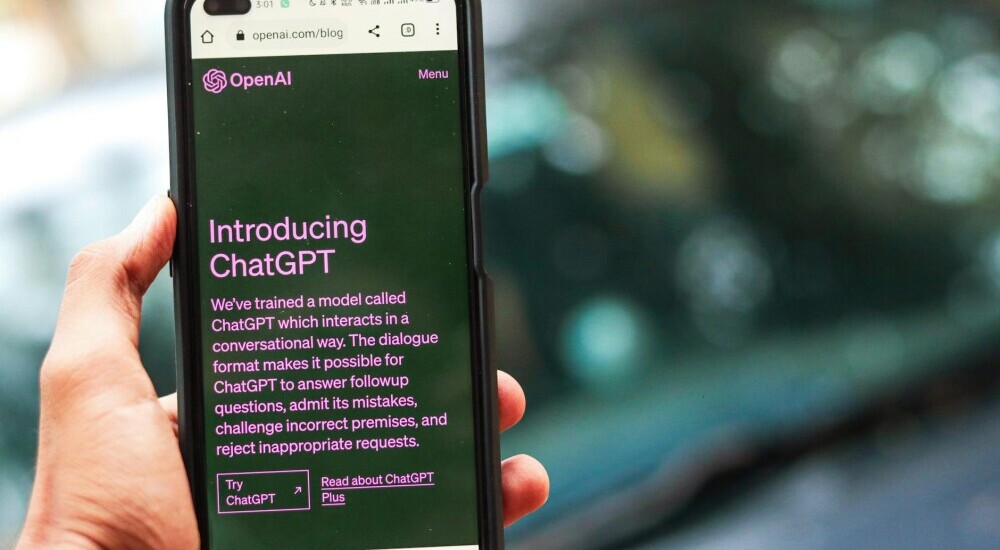
1. ChatGPT (Free Tier) — Best for Creative Activities
Free Tier
Yes — GPT-4o available on free plan (with limits)
Best For
Role-play scenarios, creative writing prompts, student-facing games
Verdict
⭐⭐⭐⭐★ Creative powerhouse. Slightly weaker on grammar explanations.
💡 Pro Tip: Ask ChatGPT to ‘write a role-play scenario where a student has to politely refuse a dinner invitation using modal verbs.’ The output will surprise you.
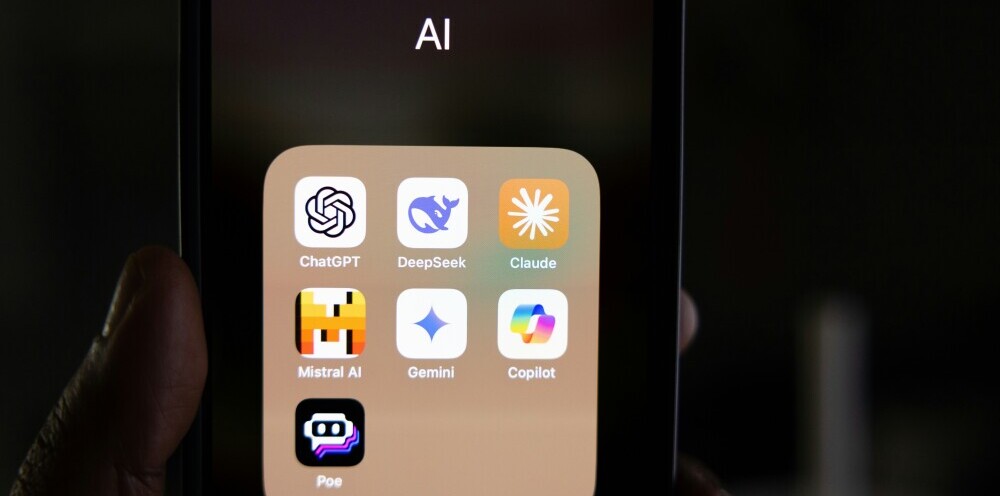
2. Claude (Free Tier) — Best for Lesson Planning & Grammar
Free Tier
Yes — Claude Sonnet available on free plan
Best For
Full lesson plans, grammar explanations for multilingual learners, and differentiation
Verdict
⭐⭐⭐⭐⭐ My go-to for lesson planning. Clearest grammar explanations of any tool I’ve tested.
💡 Pro Tip: Tell Claude the student’s L1 (first language) when asking for grammar help. ‘My student is a Korean speaker struggling with articles. Explain when to use ‘the’ vs ‘a’ in three simple rules they can remember.’

3. Gemini (Free Tier) — Best Google Workspace Integration
Free Tier
Yes — generous free tier, integrates with Google Docs/Slides
Best For
Teachers using Google Classroom, quick content generation in Docs
Verdict
⭐⭐⭐⭐★ Strong tool, especially if you’re already in the Google ecosystem.
💡 Pro Tip: Gemini inside Google Docs is a hidden gem. Open a Doc, hit the Gemini icon, and say ‘create a 5-question reading comprehension quiz based on the text above.’ Done in 30 seconds.

4. Canva AI — Best for Visual Worksheets & Slides
Free Tier
Yes — Magic Write and basic AI features on free plan
Best For
Vocabulary flashcards, visual worksheets, presentation slides
Verdict
⭐⭐⭐⭐★ Not a lesson planner, but unbeatable for visual materials.
💡 Pro Tip: Use Canva’s Magic Write to generate fill-in-the-blank sentences for a vocabulary set, then drop them straight into a worksheet template. Your students will think you spent hours on it.
5. MagicSchool AI — Best Purpose-Built Teacher Tool
Free Tier
Yes — generous free tier with 60+ teacher-specific tools
Best For
Rubric generation, IEP accommodation suggestions, parent emails, quiz creation
Verdict
⭐⭐⭐⭐⭐ Built specifically for teachers. The rubric generator alone is worth signing up.
💡 Pro Tip: Use the ‘Differentiation’ tool — paste in any text and it automatically rewrites it for beginner, intermediate, and advanced levels. Perfect for mixed-level ESL classes.
6. Diffit — Best for Reading Level Differentiation
Free Tier
Yes — basic differentiation free
Best For
Instantly adapting any article or text to different reading levels
Verdict
⭐⭐⭐⭐★ One-trick pony, but that trick is incredibly useful for ESL teachers.
💡 Pro Tip: Paste a BBC News article into Diffit, select ‘Grade 3’ level, and you instantly have a simplified version with comprehension questions for your beginner students.

7. Quizlet AI — Best for Vocabulary Practice
Free Tier
Yes — AI-generated study sets on free plan
Best For
Vocabulary lists, flashcard sets, and auto-generated practice quizzes
Verdict
⭐⭐⭐⭐★ Students already know and love Quizlet. The AI features make it even more useful.
💡 Pro Tip: Type a topic like ‘business English for job interviews’ and let Quizlet AI generate a complete vocabulary set with definitions and example sentences. Students can practice on their phone during their commute.
8. Otter.ai — Best for Speaking & Pronunciation Feedback
Free Tier
Yes — 600 minutes/month free
Best For
Transcribing student speaking practice, pronunciation analysis
Verdict
⭐⭐⭐⭐★ Underused by ESL teachers. A game-changer for online speaking classes.
💡 Pro Tip: Have your student read a paragraph aloud while Otter.ai transcribes in real time. Compare the transcript to the original text — every mistake shows up instantly. Students find it eye-opening.
Level Up Your AI Teaching Practice
The free tools above will take you a long way. But if you want to get genuinely good at prompting AI — which, as I said, matters more than the tool itself — these resources are worth the investment.

📚 Books That Changed How I Use AI
📦 AI Prompt Engineering Books
Learning to write better prompts is the single highest-ROI skill an ESL teacher can develop right now. A good prompting book pays for itself in the first week.
📦 AI in Education Books
The best educators I follow are all reading about AI in the classroom right now. These books give you the practical framework to integrate AI without losing the human connection that makes great teaching.
📦 ESL Teaching Resources
Great AI-generated lessons still need great source material. These ESL resource books pair perfectly with AI tools — use them as input for your prompts to get better output.
🎙️ Set Up Your Online Teaching Station
If you’re using AI tools for online ESL teaching, your setup matters. Bad audio and lighting are the #1 reason students disengage, regardless of how good your AI-generated lesson plan is.
📦 Ring Lights for Online Teachers
Good lighting instantly makes you look more professional on camera. Your students will notice — and so will anyone watching your YouTube videos. I use one every single day.
📦 USB Microphones for Online Teaching
Your laptop’s built-in mic is killing your credibility. A decent USB microphone is under $50 and makes you sound like a professional educator instantly.
📦 Webcams for Online ESL Teachers
If you’re still using your laptop camera, you’re leaving a good first impression on the table. A quality webcam makes a real difference in how students perceive you.

The Final Verdict: Which Tool Should You Start With?
If you’re brand new to AI tools and you want to start with just ONE, make it Claude. It’s free, it gives the clearest explanations, and it handles full lesson plans better than anything else I’ve tested.
Once you’re comfortable, add ChatGPT for creative activities and MagicSchool AI for the teacher-specific tools like rubrics and differentiation.
And remember — the tool is only as good as your prompt. Spend 30 minutes learning to write better prompts, and you’ll get more value out of a free AI tool than someone paying for premium who doesn’t know how to ask the right questions.
Want to learn how to write AI prompts that actually work for ESL?
I tested ChatGPT, Claude, and Gemini head-to-head with the same lessons and the same students. See the full comparison: ChatGPT vs Claude vs Gemini for ESL Lesson Planning →